Sharing selected planning with a partner
Understand Umorrow partner-sharing levels and how to share selected planning without exposing every event.
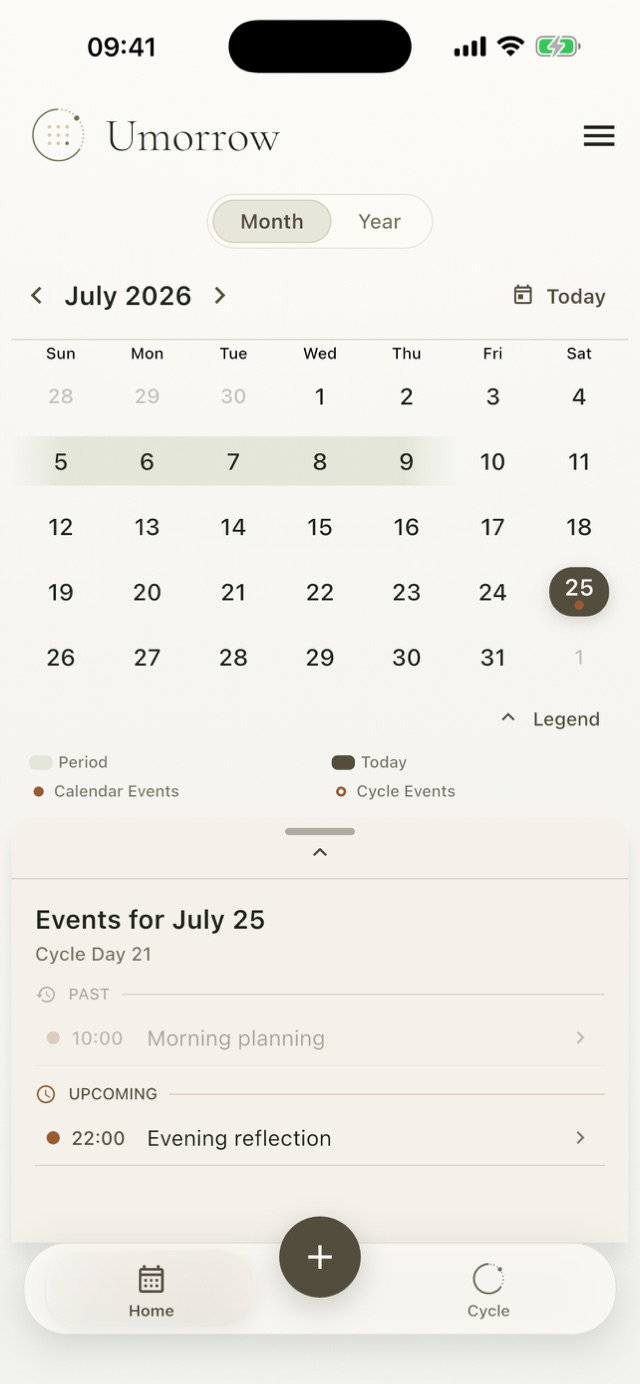
Share a chosen level, then mark individual events when needed
Umorrow partner sharing is directional. You choose what you share: nothing, period-calendar context, or shared reminders. An event is exposed at the shared-reminders level only when you explicitly mark that event for partner sharing.
Actual Umorrow workflow
- Sign in and open Partner sharing.
- Create an invitation with the intended outgoing sharing level.
- Let the partner accept the invitation from their own account.
- Review your outgoing level separately from what the partner shares with you.
- For shared reminders, mark only the individual events you want to expose.
Sharing is directional
Your outgoing choice and the partner's outgoing choice are separate. One person can share period-calendar context while the other shares nothing or a different level.
Shared reminders are explicit
Selecting the shared-reminders level does not make every private event visible. The event must also be marked for partner sharing. This gives the event itself a separate control.
Change or remove access
You can change the outgoing level or remove the connection. Treat an invitation link as private while it remains valid, because anyone with the code may be able to accept it.
Plan by cycle day or calendar date
Create your Umorrow account to keep your plans in sync across devices. Available for iPhone and Android.